
What’s New in Android Development Tools — Android Enters the Agentic Era 🚀
Google I/O 2026 revealed a major transformation in Android development: AI agents are no longer optional assistants — they are becoming core collaborators in how Android apps are built.

For years, Android development tooling evolved around one core idea:
Help developers write better apps faster.
At Google I/O 2026, Google revealed something much bigger.
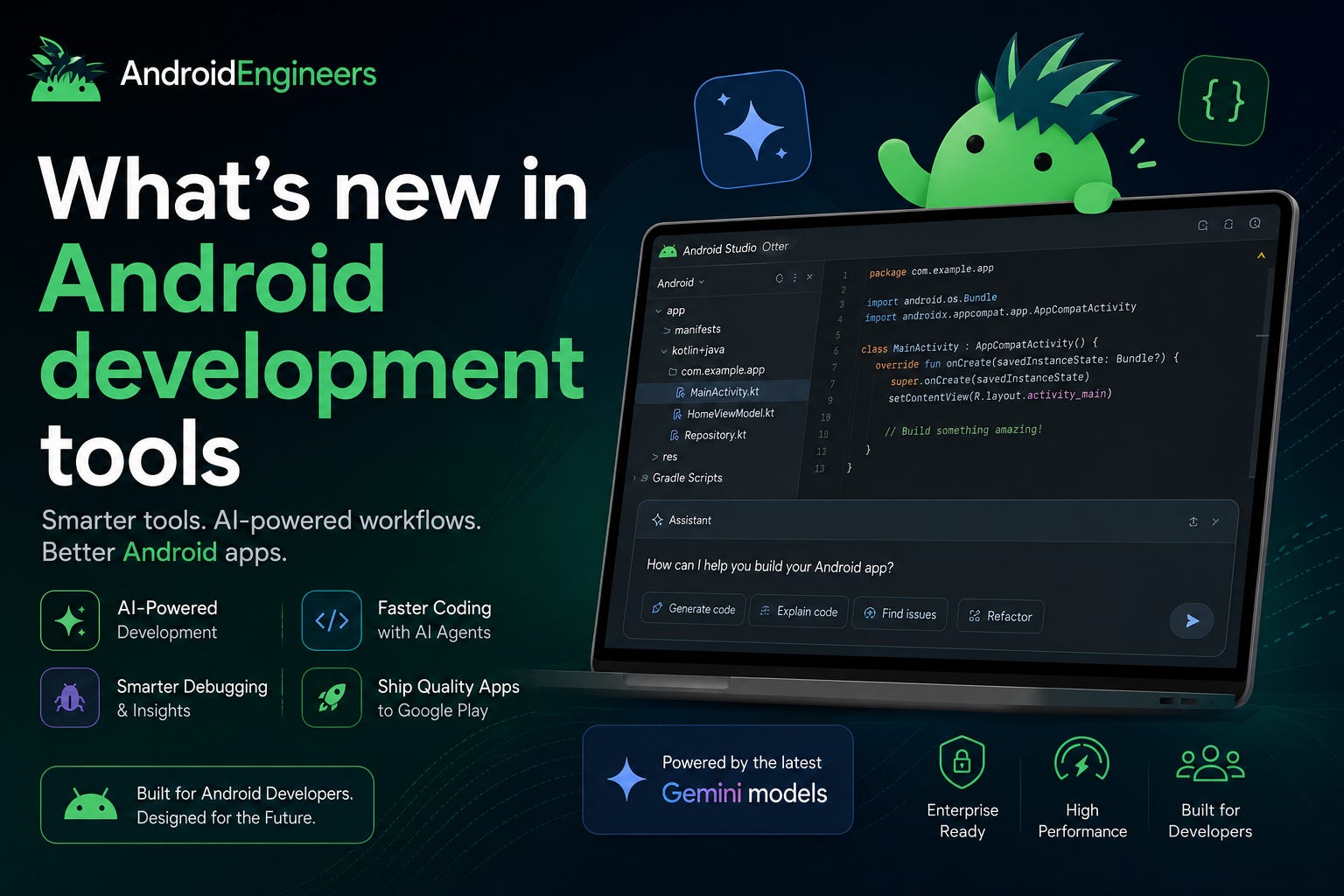
Android Studio, Android CLI, Gemini, Gemma, AI Studio, and Antigravity are now converging into an entirely new development model:
AI-Native Android Development
This wasn’t just another IDE update.
This was a strategic shift toward:
Agentic workflows
AI-assisted architecture
Intelligent code orchestration
Hybrid local/cloud AI development
AI-native developer tooling
And honestly?
This may become one of the most important transitions in Android development since Kotlin and Jetpack Compose.
The Big Theme: Android Development Is Becoming Agentic
One statement from the session stood out immediately.
The Android DevTools team explained that they are now building features for:
Human developers
AI agents operating in codebases
That changes everything.
Traditionally, AI coding assistants were reactive:
autocomplete
snippets
prompt-response systems
But Google is now building:
semi-autonomous agents
planning systems
subagents
workflow orchestration
migration agents
debugging agents
review agents
Android development is evolving into:
Human + AI collaborative engineering.
Android Studio Is No Longer “Just an IDE”
Android Studio is becoming:
an AI orchestration platform
a semantic Android development engine
a multi-agent workspace
Google introduced major upgrades across:
Android Studio Otter
Panda
Quail
Each release pushes Android Studio deeper into AI-native workflows.
Android Studio Otter — AI Everywhere
The Otter release focused heavily on AI integration.
Bring Your Own AI Models
Android Studio now supports:
✅ Gemini Enterprise
✅ Google AI Pro / Ultra
✅ Gemini API Keys
✅ Local models via Ollama
✅ LM Studio integrations
✅ Enterprise LLMs
✅ Remote model providers
This is massive for enterprise teams.
Developers can now:
use corporate-approved models
switch models dynamically
run local AI workflows offline
experiment with open-source models
directly inside Android Studio.
Gemma 4 Is Optimized for Android Development
Google strongly highlighted Gemma 4.
Why?
Because it was specifically optimized for:
Android APIs
Kotlin programming
Agentic tool calling
This is important.
Most coding models are generalized.
Gemma 4 is trained with Android workflows in mind.
It also supports:
offline local execution
native tool calling
compatibility with Agent Mode
This creates an entirely new category of:
Local Android AI development.
You can now run AI-powered Android coding workflows completely offline.
Android Bench — Real Android AI Benchmarking
One of the smartest announcements was Android Bench.
Most AI benchmarks today rely on:
coding puzzles
algorithm problems
toy examples
But real Android development is very different.
Android Bench evaluates models on:
real-world Android tasks
Kotlin understanding
Android architecture
long-running workflows
agent evaluations
This finally aligns AI benchmarking with actual developer productivity.
And Google also added:
✅ open-source models
✅ agent benchmarking
✅ long-running task evaluation
This will likely become an important benchmark ecosystem for Android AI tooling.
Android CLI — Built for AI Agents
Perhaps the most underrated announcement was Android CLI.
Google created a brand-new command-line interface specifically optimized for:
LLMs
AI agents
automation systems
This is a huge deal.
Why Existing Android Tooling Struggled
Traditional Android tooling was never designed for AI systems.
LLMs often struggled with:
SDK orchestration
Gradle complexity
emulator management
Android environment setup
So Google created Android CLI as:
“Android agent infrastructure.”
What Android CLI Supports
The CLI exposes:
SDK management
Emulator control
Android Skills
Android Knowledge Base
Build orchestration
Android Studio integrations
This allows AI agents to interact with Android tooling programmatically.
The Performance Improvements Were Wild
Google shared internal benchmarks showing:
📈 Android tasks completed 3x faster
📉 70% reduction in LLM token usage
compared to generic AI coding workflows.
That’s a significant productivity gain.
Android Skills — Teaching AI How Android Works
Another major innovation was Android Skills.
Even the best LLMs struggle with:
Android best practices
framework nuances
migration patterns
platform conventions
Android Skills solve this problem.
These are specialized workflows designed specifically for Android development.
Examples of Android Skills
Google demonstrated skills for:
✅ XML → Compose migration
✅ Adaptive layout integrations
✅ R8 optimization
✅ Android modernization tasks
✅ Project setup automation
This is incredibly important because:
Android development contains years of ecosystem-specific complexity.
Google is now encoding that expertise into reusable AI workflows.
Android Studio Quail — The Agentic IDE
The Quail release pushes Android Studio even further into agentic workflows.
Google introduced:
Agent V2
Subagents
Parallel tool calls
Planning mode
Semantic code understanding
At this point, Android Studio feels less like:
“an IDE with AI”
and more like:
“a collaborative AI engineering environment.”
Parallel Agents & Planning Mode
One particularly impressive feature was:
Agent Planning Mode
Instead of immediately generating code:
The AI creates an implementation plan
The developer reviews it
The agent executes the plan
This dramatically improves:
reliability
architecture quality
multi-stage task execution
Especially for large Android codebases.
Semantic Code Understanding
Google also demonstrated:
semantic navigation
symbol-aware search
code relationship analysis
Unlike grep-based systems:
the AI understands actual code semantics.
This becomes extremely valuable for:
enterprise apps
massive codebases
architectural refactoring
Google even mentioned testing this against:
15 million lines of code.
AI-Powered Code Review
One of the coolest demos involved AI-native code review.
Instead of reviewing files linearly:
the system groups logical changes
explains architectural intent
identifies risks
organizes diffs semantically
This may become one of the most impactful AI productivity features for teams.
Safe Shell Command Execution
Agents love executing shell commands.
Google added:
safe command parsing
command classification
permission-aware execution
sandbox support
Safe commands run automatically.
Dangerous operations still require developer approval.
This creates a much safer AI workflow environment.
AI-Assisted Android Migration
Google showcased powerful migration agents.
Views → Compose Migration Agent
This is huge.
Google explicitly stated:
“Views are in maintenance mode. Compose is the future.”
But migration is difficult.
The new migration agent:
analyzes existing apps
creates migration plans
identifies high-ROI screens
orchestrates migration workflows
preserves project structure
This could massively accelerate Compose adoption.
Performance & Memory Tooling Gets AI
Google also upgraded Android profiling tools with AI integrations.
Android Performance Analyzer
A new standalone profiler supports:
system traces
GPU analysis
Vulkan inspection
Perfetto integrations
screenshot-aware profiling
The AI can now:
analyze startup bottlenecks
inspect traces
identify performance issues
suggest fixes automatically
LeakCanary + AI Fixes
This demo was especially impressive.
The workflow:
LeakCanary detects memory leaks
AI analyzes the leak
Agent proposes fixes
Developer reviews changes
This transforms debugging workflows completely.
R8 Configuration Analyzer
Google also introduced:
AI-assisted R8 optimization
The tooling can:
inspect keep rules
identify oversized dependency retention
detect inherited library issues
suggest optimized configurations
Google shared a case study where:
Monzo reduced ANRs by over 35% through R8 optimization.
AI Studio + Antigravity
Google is expanding Android development beyond Android Studio.
Developers can now:
prototype Android apps directly in AI Studio
generate native Android projects from prompts
export projects into Android Studio
orchestrate workflows using Antigravity
This creates a multi-surface Android development ecosystem.
Android App Generation via Prompt
Google demonstrated:
prompt-based Android app generation
automatic Gradle setup
Kotlin project creation
dependency configuration
emulator deployment
This dramatically lowers the barrier to Android app creation.
Light Build System Preview
Another surprising announcement:
Light Build
Google is experimenting with a simplified Android build system optimized for:
lightweight apps
AI-generated projects
fast initialization
declarative dependency management
Project creation completed in just seconds during the demo.
This isn’t meant for massive enterprise apps yet.
But it signals where Android tooling may head next.
Android Development Is Becoming AI-Native
The most important insight from this entire session:
Google is redesigning Android development around AI collaboration.
Not AI autocomplete.
Not AI chat.
But:
agentic workflows
autonomous tooling
intelligent orchestration
AI-native engineering systems
What This Means for Android Developers
This shift will impact:
Android engineers
Kotlin developers
enterprise teams
tooling engineers
DevOps teams
AI application builders
Especially around:
Compose modernization
AI-native workflows
local AI tooling
hybrid cloud-edge development
AI-assisted architecture
Final Thoughts
Android development is entering a new phase.
The future Android stack may look like this:
📱 Android Apps
🤖 AI Agents
🧠 Gemini + Gemma
⚡ Android CLI
🛠️ Android Studio Agents
☁️ Cloud + Edge AI
📦 Declarative Build Systems
This feels less like:
“AI-assisted coding.”
And more like:
“AI-native software engineering.”
The Android ecosystem is evolving rapidly.
And Google is positioning Android Studio at the center of the AI development future.
Exciting times ahead for Android developers 🚀
#Android #AndroidDev #Kotlin #AI #GenerativeAI #AndroidStudio #GoogleIO #Gemini #Gemma #JetpackCompose #DeveloperTools #AIAgents #AndroidEngineering